
(A great app should feel instinctive, not a steep learning curve. But if your kung fu is weak… we got you.)
Not sure where to start? These short, focused guides walk you through everything clearly.
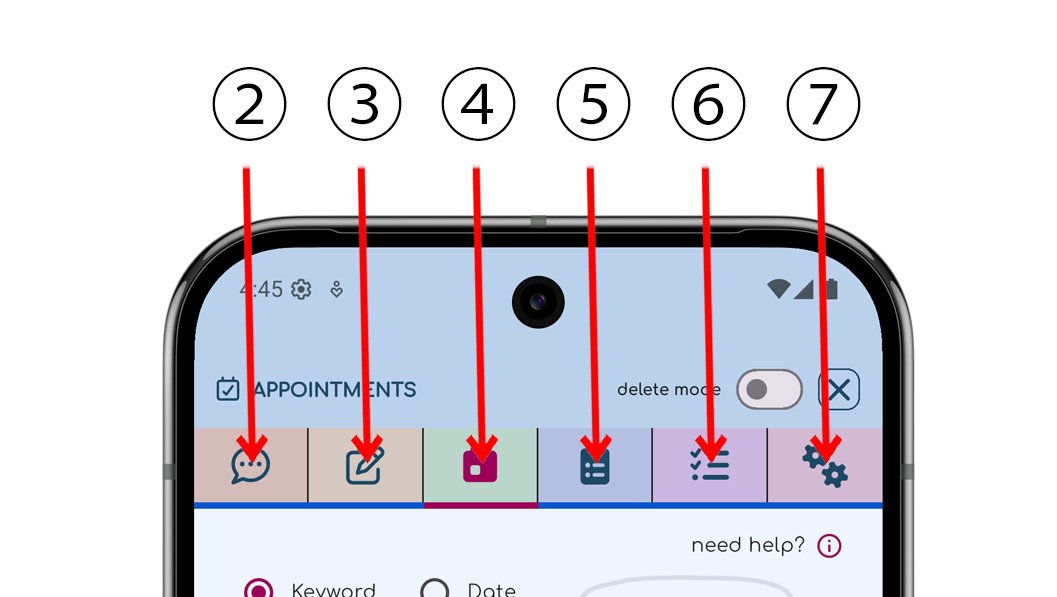 The numbers show what each tab icon is for, like Pins, Appointments, Tasks, and Checklists.